

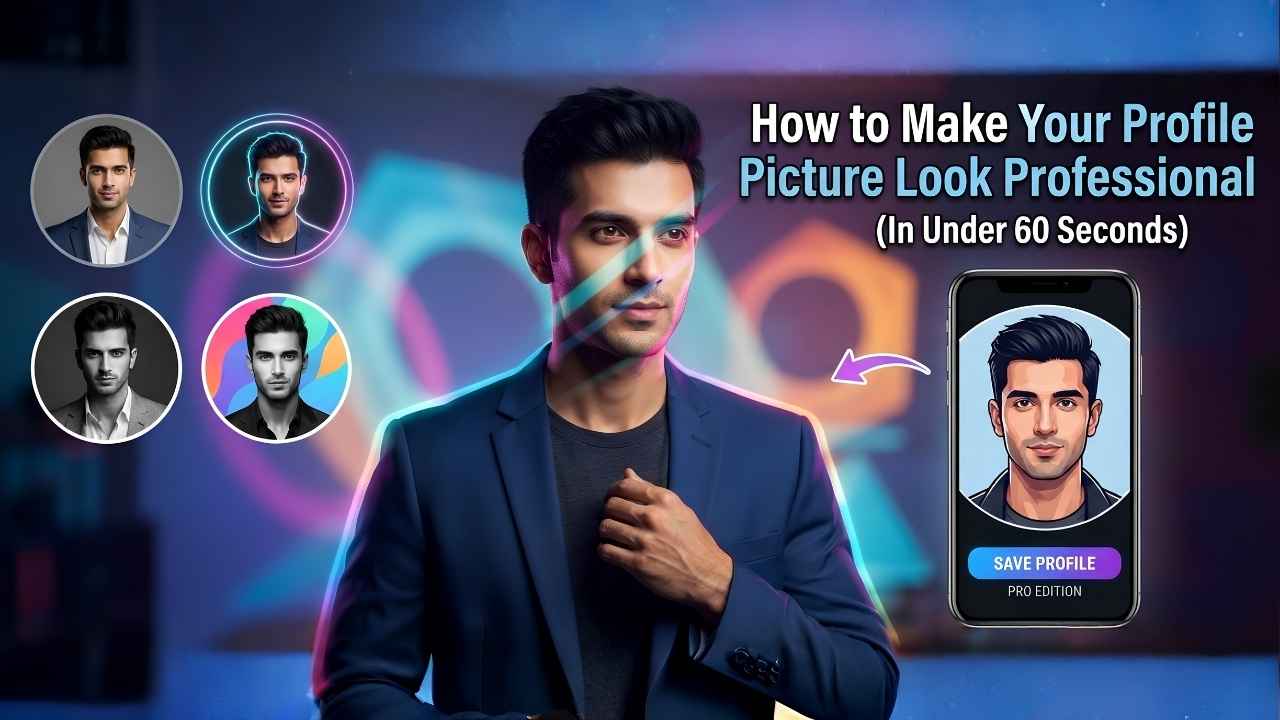
We’ve all been there—scrolling through LinkedIn or Facebook, looking at profile pictures. Some look professional, polished, and trustworthy, while others look a bit… well, ordinary.
Your profile picture is often the first thing people see when they search for you online. Whether you are a student looking for an internship, a professional networking with colleagues, or someone who just wants to keep their social media look sharp, your avatar says a lot about you before you even say a word.
The good news? You don’t need to hire a professional photographer or learn complex software to get that “perfect” look. Here are three simple tips to upgrade your digital identity, and a shortcut to get it done instantly.
1. Keep it Simple and Clear
A great profile picture doesn’t need a busy background. If your background is full of clutter, it draws attention away from your face. Find a spot with a plain wall or a soft-focus background. The goal is to make sure you are the focus of the image.
2. Lighting is Everything
You don’t need an expensive lighting setup. Natural light is your best friend. Stand facing a window during the day, and you’ll instantly notice how much clearer and brighter your face looks. Avoid harsh shadows or direct sunlight that makes you squint.
3. Add a Touch of Professionalism
This is where many people miss out. A simple, clean border or a professional frame can make your photo look like it was designed by a pro. It adds a “finished” look to your avatar.
Whether you want to show that you are #OpenToWork to recruiters, or you just want a clean gradient ring that catches the eye, a small visual adjustment can change how you are perceived by others. It shows that you pay attention to detail—a trait everyone values in a professional.
Looking for More Professional Tips?
If you want to dive deeper into how your profile image affects your career, there are some great resources you can check out. Sites like LinkedIn’s Official Blog often share amazing insights on how to build a stronger professional brand. Also, if you want to understand the basics of photo lighting, Adobe’s Creative Cloud tutorials offer some really simple, beginner-friendly advice on getting the best shots.
Do You Need Advanced Editing?
Sometimes, you might feel like your photo needs more than just a frame—maybe you need to change a file format or resize an image for a specific platform. We believe in keeping things fast and efficient. If you find yourself needing other quick edits, you can check out our suite of free tools:
- Need to change file types? Try our Any to JPG Converter—it’s perfect for turning HEIC or other formats into something standard.
- Need a perfect size? Head over to our Image Resizer Converter to get your files ready for any platform in seconds.
- Need something custom? Explore all our Free Web Utilities designed to make your digital life easier.
The Easiest Way to Get That Professional Look
We know that editing photos can feel like a chore. That’s why we built a simple, Free Profile Picture Border & Frame Generator.
Instead of struggling with complicated apps, you can now:
- Upload your photo in seconds.
- Add clean, professional borders that fit your personality.
- Add “Open to Work” or “Hiring” frames if you are on the job hunt.
- Look “Verified” with our custom badge options.
And the best part? It’s completely private. We don’t save your photos or store them on our servers. You edit your photo, download it, and you’re done.
Final Thoughts
Your digital first impression is worth more than you think. Take five minutes today to update your profile picture. It’s a small change, but it’s one that can make a big difference in how you connect with others online.
Ready to upgrade your profile picture? Try our tool here and see the difference for yourself!


