Image Resizer Converter
Generate precise image ratios and resize pictures online in seconds—securely in your browser.
Upload Images
Drag and drop images here, or click to upload.
Image Resizer Converter – Free Online Image Resizer Tools

Looking for a free online image resizer tool that allows you to quickly adjust your images without losing quality? Our Image Resizer Converter is the perfect solution! Whether you want to resize a single photo or batch process multiple images, this tool works entirely in your browser—no downloads, no software installation, and 100% secure.
Resize Images Instantly Online
With this image pixel converter free, you can set the exact width and height for your images. Just upload your image, choose your desired dimensions, and download the resized version in seconds. The tool supports multiple formats, including JPG, PNG, and WebP, allowing you to optimize images for faster web performance.
How to Use the Image Height & Width Converter
Using our image height width converter is simple:
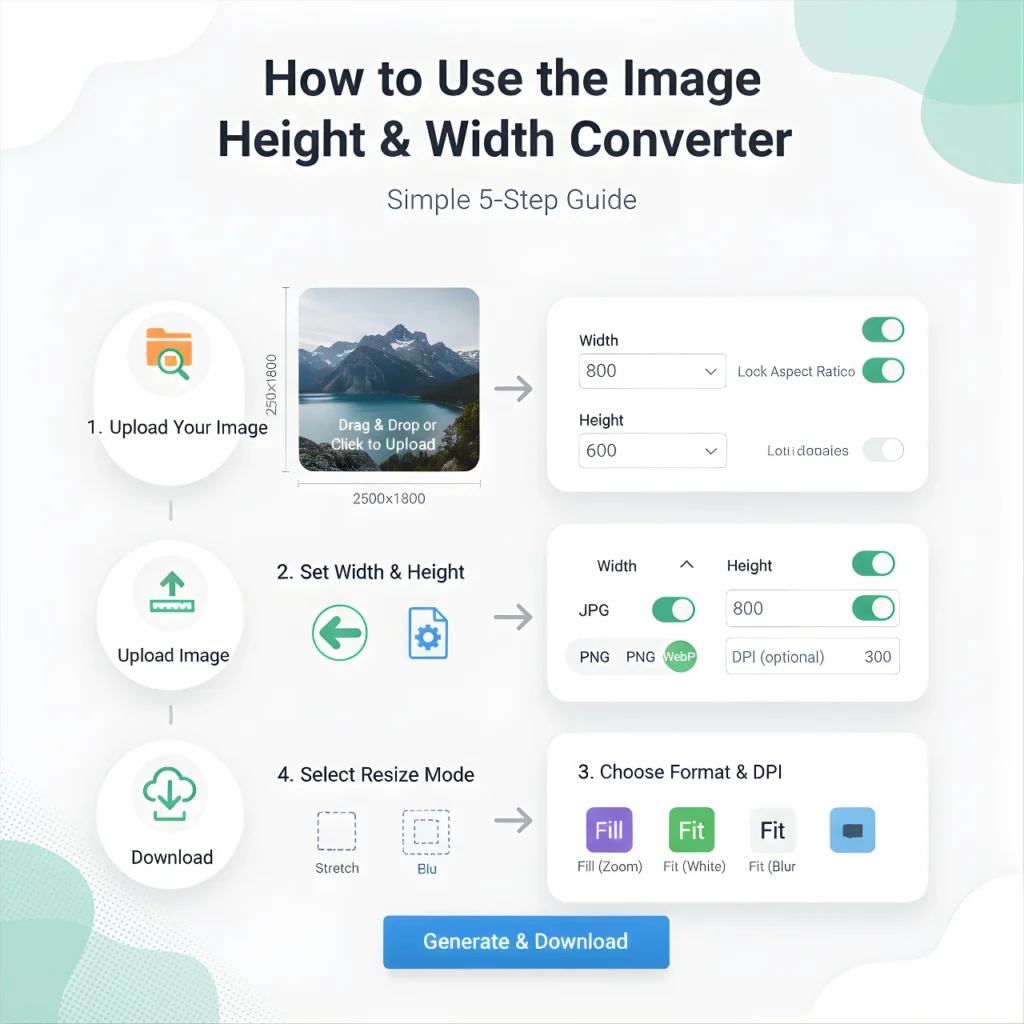
- Upload Your Image – Drag and drop or click to select your images. You can also upload multiple files at once for batch processing.
- Set Width & Height – Enter your desired pixel dimensions or use the manual slider to scale the image proportionally.
- Choose Format & DPI – Select JPG, PNG, or WebP. Adjust DPI for high-quality prints or online use.
- Select Resize Mode – Choose from Stretch, Fill (Zoom), Fit (White/Black), or Fit (Blur) to perfectly fit your image.
- Download – Click “Generate & Download” to get your resized images instantly.
This tool also works as a pic resize online free service, making it ideal for social media posts, websites, eCommerce images, and personal projects.
Key Features
- Free Online Image Resizer Tools – Resize images anytime, anywhere, without installing software.
- Exact Pixel Conversion – The image pixel converter free ensures precision for professional use.
- Flexible Height & Width Options – Use our image height converter or full height width converter for custom sizes.
- Batch Processing – Resize multiple images at once, saving time for business or creative work.
- Web-Friendly Formats – Download optimized images in WebP for faster page loading.
- Browser-Based & Secure – All image processing happens locally; your files never leave your device.
Perfect for Google Photos and Online Images
You can also use this tool as a Google Photos resize image solution. Export your photos from Google Photos and resize them exactly to your preferred dimensions in just a few clicks. No complicated software required!
Why Choose Our Free Online Image Resizer?
- Works entirely in your browser: no uploads, no cloud processing.
- Supports all major image formats.
- Quick and reliable, even for batch resizing.
- Maintains image quality while reducing file size for websites or social media.
- User-friendly interface for beginners and professionals alike.
💡 Pro Tip: Use the WebP format for the best combination of quality and smaller file size. Ideal for eCommerce product images, social media posts, or any online content that needs to load fast without compromising quality.
Start resizing your images now with our Image Resizer Converter—the easiest and most reliable free online image resizer tool!
Image Resizer Converter – User Guide
Note: This tool works directly in your browser. All images are processed locally, keeping full quality and privacy. No data is uploaded to any server.
1. Upload Your Images
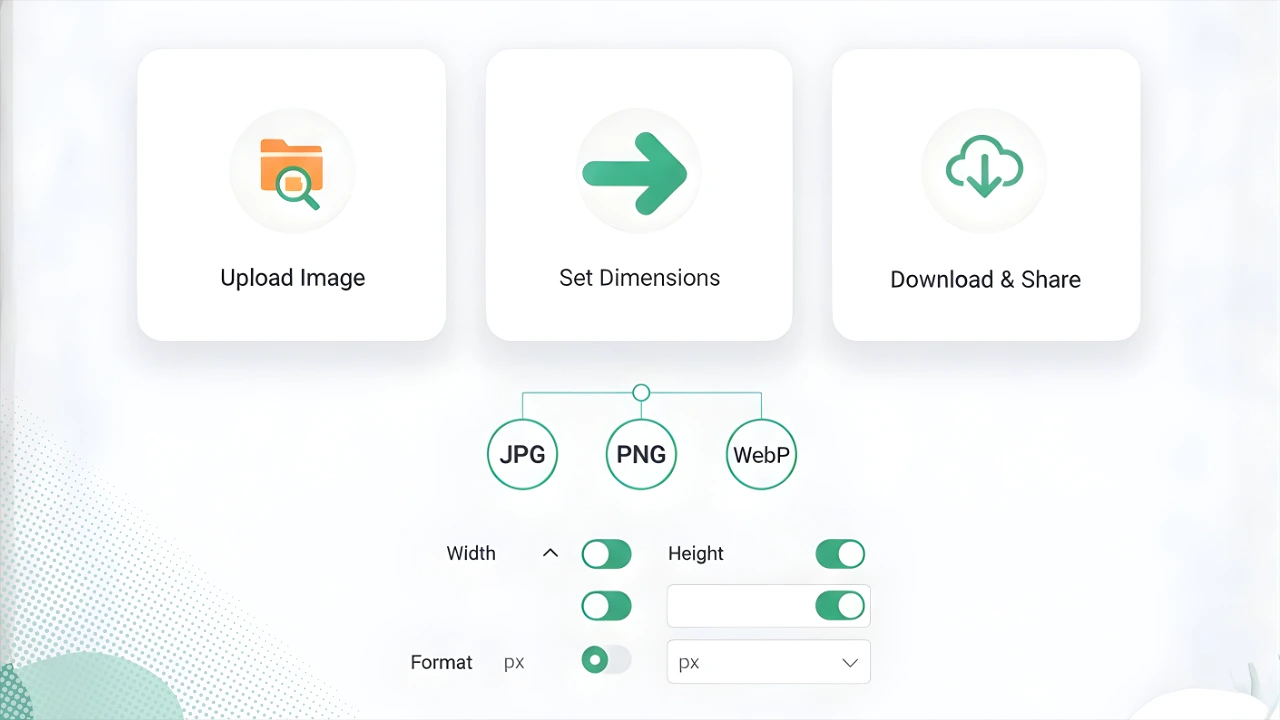
Click the “Upload Product Images” box at the top, or drag & drop your images from your computer or mobile device. You can upload multiple images at once (Batch Processing).
2. Set Resolution & DPI
Width & Height: Enter pixel values if you want a specific size. 480×350 px is ideal for AkonMobile product posts.
DPI: Adjust DPI to maintain print quality and sharpness (default is 72).
Format: Select the format to download your image. WebP is recommended as it reduces file size while keeping full quality.
3. Choose Resize Mode
- Stretch: Stretch the image to fit the specified size.
- Fill (Zoom): Zoom the image to fill the frame; parts may be cropped.
- Fit (White/Black): Fit the image with white or black borders.
- Fit (Blur): Add a blurred background of the same image for empty spaces, giving a modern look.
4. Use the Slider
Move the “Manual Rescale” slider left or right to adjust the image size manually (10% – 500%).
5. Use Preset Buttons
- AkonMobile Product Card: Sets the official 480×350 px size in one click.
- Ratio Presets: Choose standard ratios like 1:1 (Square) or 16:9 (Wide).
6. Generate & Download
Once all settings are ready, click the blue “GENERATE & DOWNLOAD BATCH” button. Your images will be processed within seconds and displayed below. Click the green “Download” button under each image to save it to your device.
How It Works
This tool resizes your images directly in your browser with the exact ratio you choose, keeping full quality and privacy.
| Category | Image Processing Tool |
|---|---|
| Developer | PhotosConvert.com |
| Version | 1.0.0 |
| License | Freeware |
| Platform | Windows, macOS, Linux, Android |
| Size | Online Web Application |
| Features |
|
| Price | Free |
| Updated | August 15, 2026 |