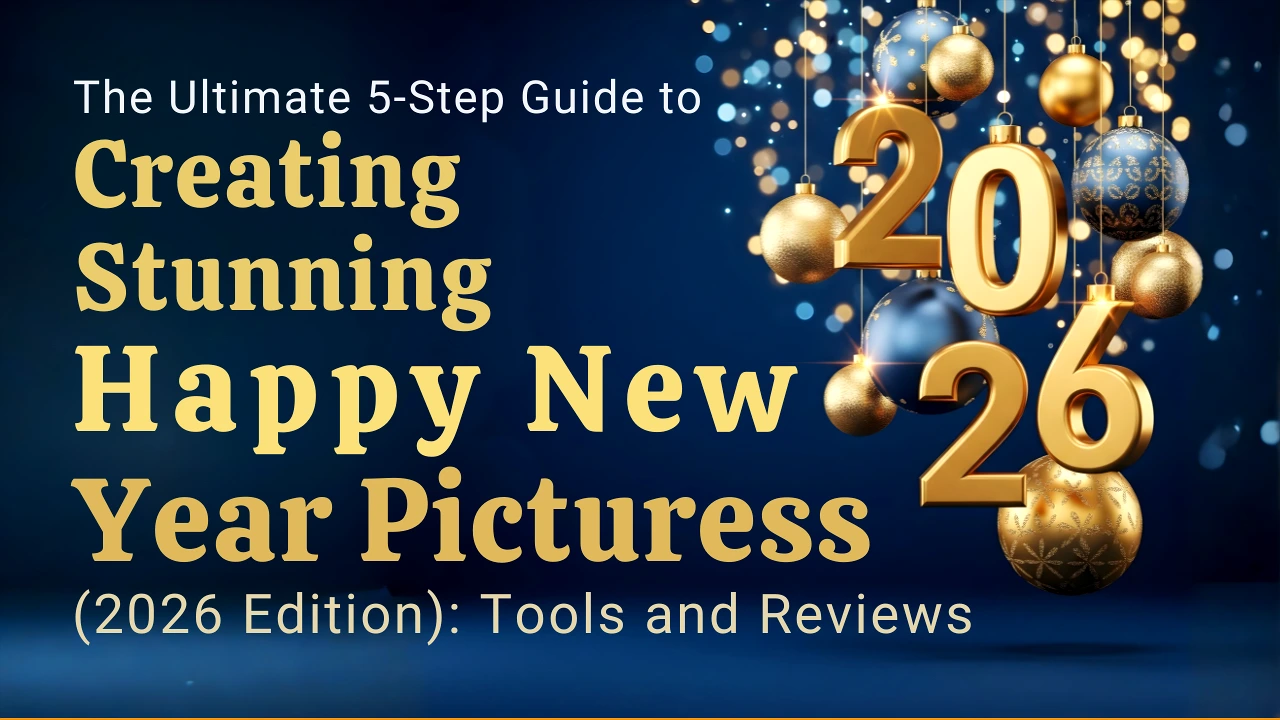
Design Your Best Year Yet: Mastering the Art of the Digital New Year Greeting
The transition from one year to the next is a universal moment of reflection, hope, and connection. In our digital age, nothing expresses this optimism better than a visually stunning “Happy New Year” image. Forget generic, recycled greetings. 2026 is the year to elevate your social media presence, professional branding, or personal messages with a custom-designed, copyright-free masterpiece.
Based on the simplest methods to the most professional techniques, we have meticulously reviewed the five best ways—and the essential tools—to create a visually spectacular digital greeting. Whether you’re a complete novice or a seasoned designer, this guide will help you craft a unique image that truly stands out.
Method 1: The Easiest Route – Essential Mobile Apps (The Instant Creator)
If speed, convenience, and ease-of-use are your top priorities, mobile applications are your best friends. You can go from zero to a stunning New Year post in minutes, right from your smartphone.
| App Name | Key Feature Review | Ideal For |
|---|---|---|
| ⭐ Canva | Thousands of ready-to-use templates. Excellent support for high-quality fonts, including Bengali typography, backgrounds, effects, and stickers. The ultimate all-in-one graphic design solution. | Quick, Professional Results. Non-designers who need quality templates fast. |
| ⭐ PicsArt | Specialized tools for photo manipulation, including New Year stickers and glitter effects. Fantastic for creating cutouts and adding your own image seamlessly into a themed background. | Photo Integration. Users who want to incorporate their own photos with festive effects. |
| ⭐ Pixellab | Unrivaled for mobile typography. Provides extensive controls over PNG transparency, shadows, and strokes to achieve a professional, unique text design. | Typography & Custom Text. Creating complex text-based posts and graphics. |
| ⭐ Snapseed | A powerful photo editor focused on detailed corrections. Best used to polish your existing photos—for instance, editing backgrounds, color correction, and applying subtle blur effects for a cinematic look. | Final Polish & Effects. Refining color and composition before adding text. |
Pro Tip Integration: Before diving into these apps, you can use the Instant Unique Fonts Generator tool to create unique and stylish text elements that you can then copy and paste into your chosen app (especially Pixellab or Canva) for an added touch of distinctiveness!
Method 2: Instant Gratification – Ready-Made Template Websites (The Web Editor)
Sometimes, you need the power of a desktop editor without the hassle of installing software. These web-based platforms allow you to upload your image and let the templates do the heavy lifting, often generating an automatic New Year design.
- Canva.com: Still the king of templates. Its web version offers greater screen real estate and access to premium features, making complex template selection and modification easier.
- Adobe Express: Backed by the power of Adobe, this tool offers professional-grade templates and photo editing features, ensuring your final image looks crisp and polished.
- Fotor.com: Known for its easy-to-use photo editor and extensive collage features, Fotor is perfect for quickly blending multiple images into a festive New Year banner.
- Photopea.com: Considered the “online version of Photoshop,” Photopea is an incredibly powerful, browser-based editor that supports PSD files. It’s the ideal stepping stone for those who want professional results without the high cost of desktop software.
Introducing the Ultimate Card Creator: A highly specialized tool to check out is the New Year Image Generator. This unique utility allows you to create a printable card with custom photos and text, ensuring your physical or digital greeting is truly one-of-a-kind.
Method 3: The Future of Greetings – AI Image Generators (The Unique Vision)
For those who desire a picture that is 100% unique—a visual that has never existed before—AI image generators are the game-changer. You dictate the exact style, color, background, and mood, and the AI renders it instantaneously. This is the best way to ensure a copyright-free, distinct visual.
Leading AI Tools Reviewed:
- ChatGPT Image Generator (DALL·E): Excellent for generating images based on textual instructions, especially if you need specific, narrative-driven content or unique textual overlays.
- Bing Image Creator: Powered by DALL·E, this is one of the most accessible tools, especially for generating high-quality visuals quickly and for free.
- Midjourney: Known for its artistic, cinematic, and visually stunning output. If you seek a masterpiece with high aesthetic quality, Midjourney is the professional’s choice.
- Leonardo AI: A community favorite that specializes in creating highly stylized, game-asset-like images, offering granular control over the final aesthetic.
The Magic Prompt (The Secret Ingredient):
The quality of your AI-generated New Year picture depends entirely on the specificity of your prompt. You must guide the AI with clear instructions regarding style, content, and quality.
Use this template for best results:
“Happy New Year 2026 stylish golden text, glittering fireworks background, Bengali typography element, 3D render, high quality, cinematic lighting, ultra-realistic.”
Method 4: The Pro Approach – Photoshop and Advanced Editing (The Masterpiece)
For professional designers, marketers, or those seeking maximum control, traditional desktop software like Adobe Photoshop remains the gold standard. Here are the essential techniques used by professionals to create stunning New Year graphics:
- Gradient and Fireworks Brush: Utilize a linear or radial gradient in a dark, saturated color palette (e.g., midnight blue fading to deep purple) as the background. Overlay this with custom Fireworks Brushes to instantly create a festive, celebratory sky.
- Golden Text Effect: Achieving a realistic Golden Text Effect involves multiple layer styles: a dark gradient overlay, inner and outer bevels for 3D depth, and a subtle drop shadow to lift the text off the background.
- Layer Style Magic: The true polish comes from layer styles. Apply an Outer Glow (often in yellow or light gold) to the text layer to simulate a light source, and use a Sparkle/Glitter PNG overlay with the
ScreenorLightenblend mode to add instant high-frequency shine. - Shadow and Sparkle: Apply a soft Shadow beneath the primary elements to provide separation and depth. Using a PNG Sparkle overlay is crucial for that dazzling, high-end look.
Method 5: Step-by-Step: Crafting a Personalized New Year Post with Your Photo
This method combines the best of all worlds—the personal touch of a photo with the professional look of a well-designed template.
- Select Your Image and Background: Start with a high-quality personal photograph. Set the background to a dark, slightly blurred (Bokeh) image (Method 4, Step 1). This ensures your text and foreground elements pop.
- Place the Golden Text Overlay: Add the primary greeting. Use the Golden “Happy New Year 2026” Text (Method 4, Step 2) at the top or center of the composition.
- Personal Branding: Place your Name or Page Name in a contrasting, clean font at the bottom. This acts as your digital signature, ensuring attribution.
- Add Festive Effects: Integrate Star and Firework effects (Method 4, Step 1). Remember to use these sparingly; too many effects can clutter the design.
- High-Resolution Export: The final and most critical step. Always export your image in a high-resolution format, preferably an aspect ratio of 1080×1350 (optimal for Instagram and Facebook feeds) or 1080×1920 (for Stories).
Understanding the Importance of Visual Greetings
To truly connect with your audience during the New Year, your message must be both personalized and aesthetically pleasing. A well-designed graphic cuts through the noise of generic messages, making your greeting memorable.
Watch this video for advanced design tips and inspiration to take your New Year posts to the next level:
Copyright-Free Image Resources and Tools
When using stock images, always ensure they are copyright-free. Using AI Image Generators (Method 3) is the simplest way to guarantee originality. For quick reference, here are essential links and tools for graphic elements:
- PhotosConvert Tools Hub: Access all their utilities, including font generators, image converters, and QR code generators.
- Instant QR Code Generator: Embed a personalized New Year message or a link to your New Year video within your card using a scannable QR code!
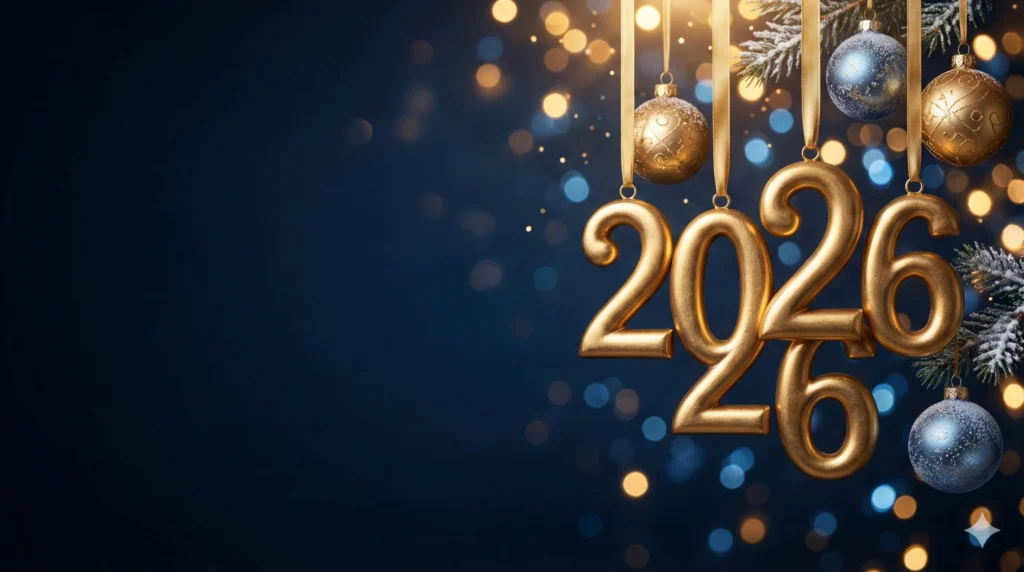
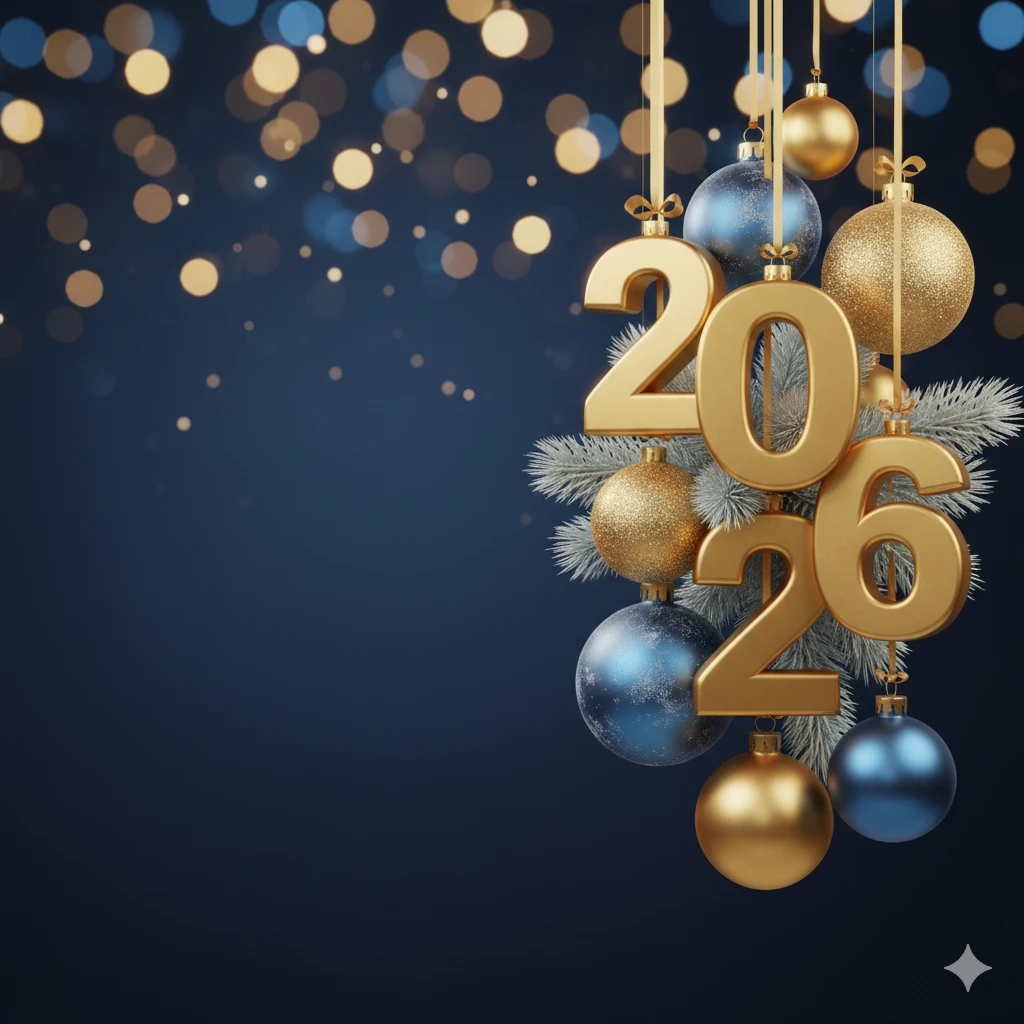
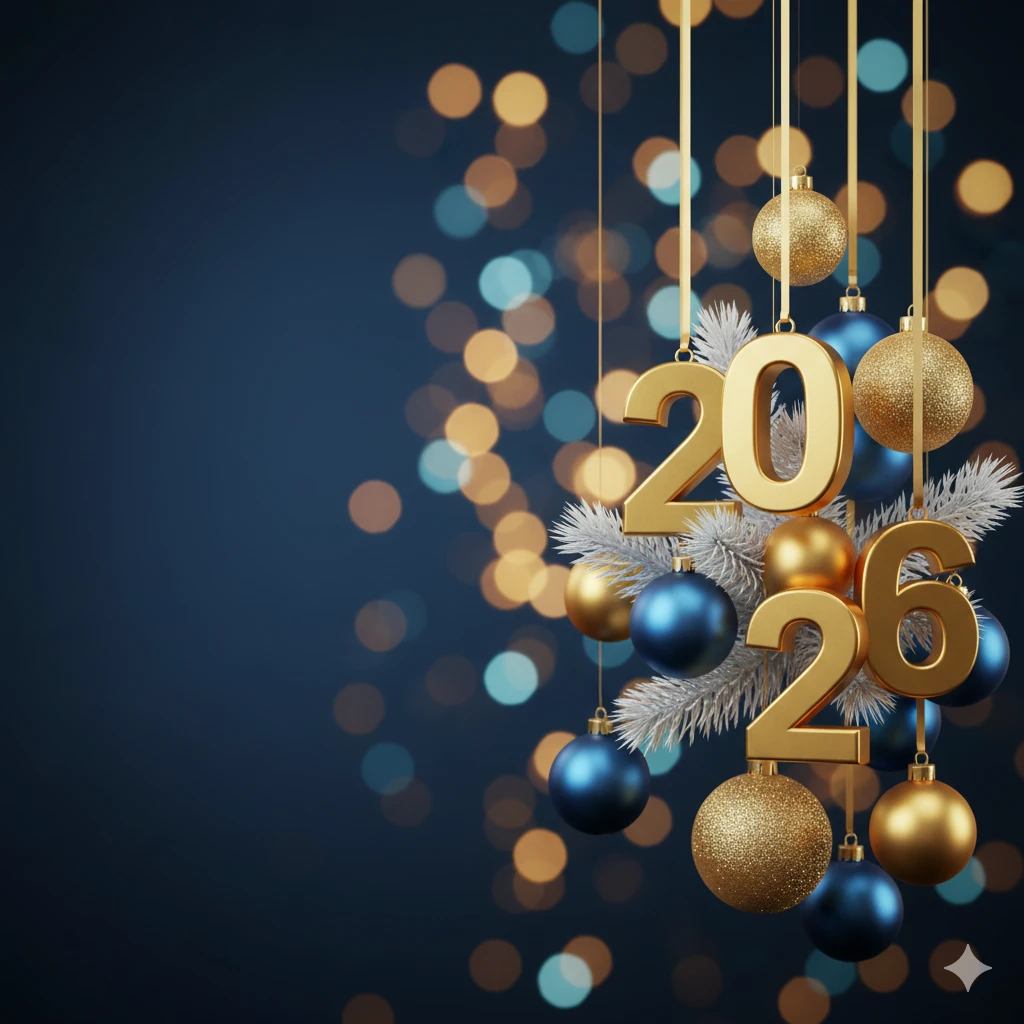
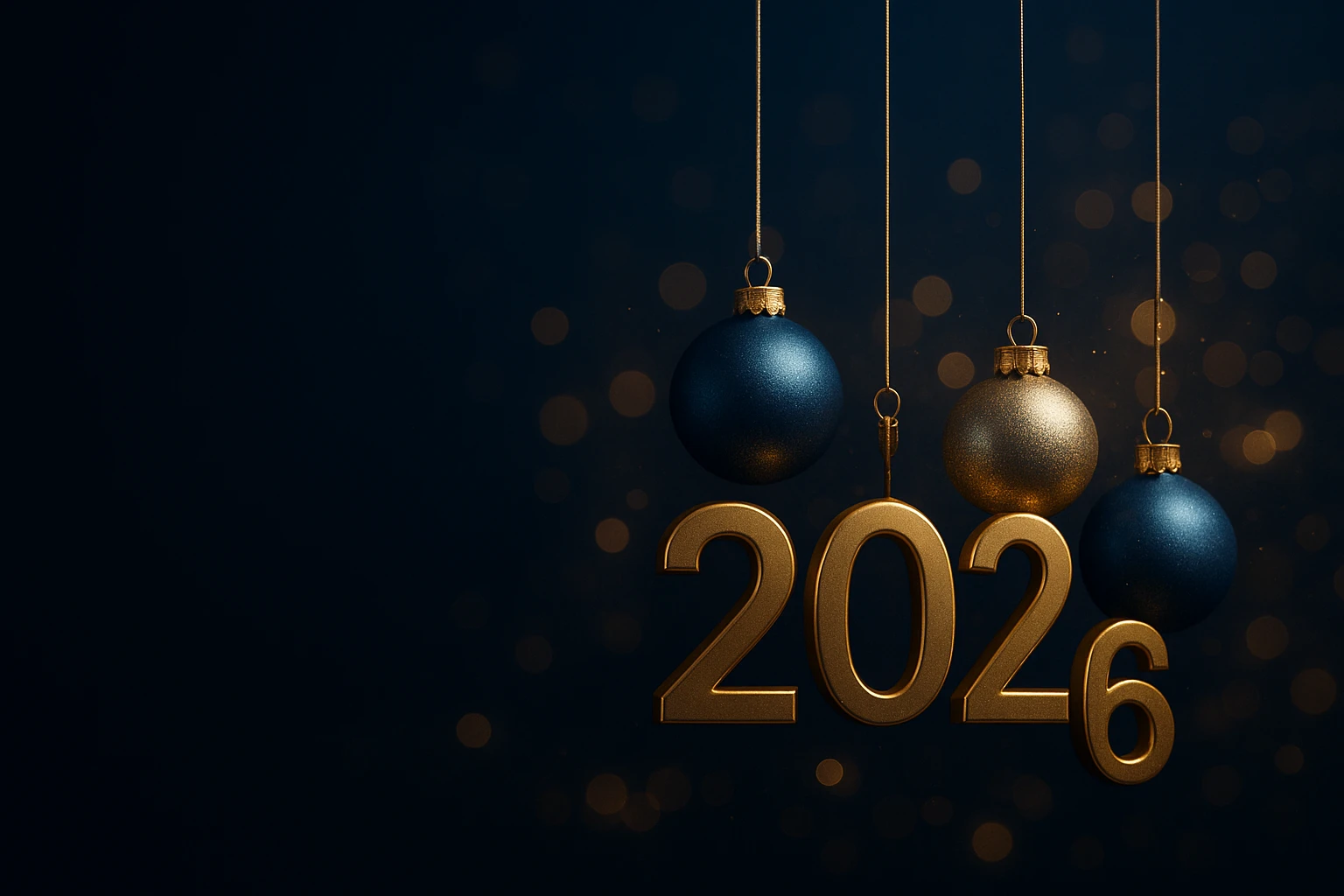
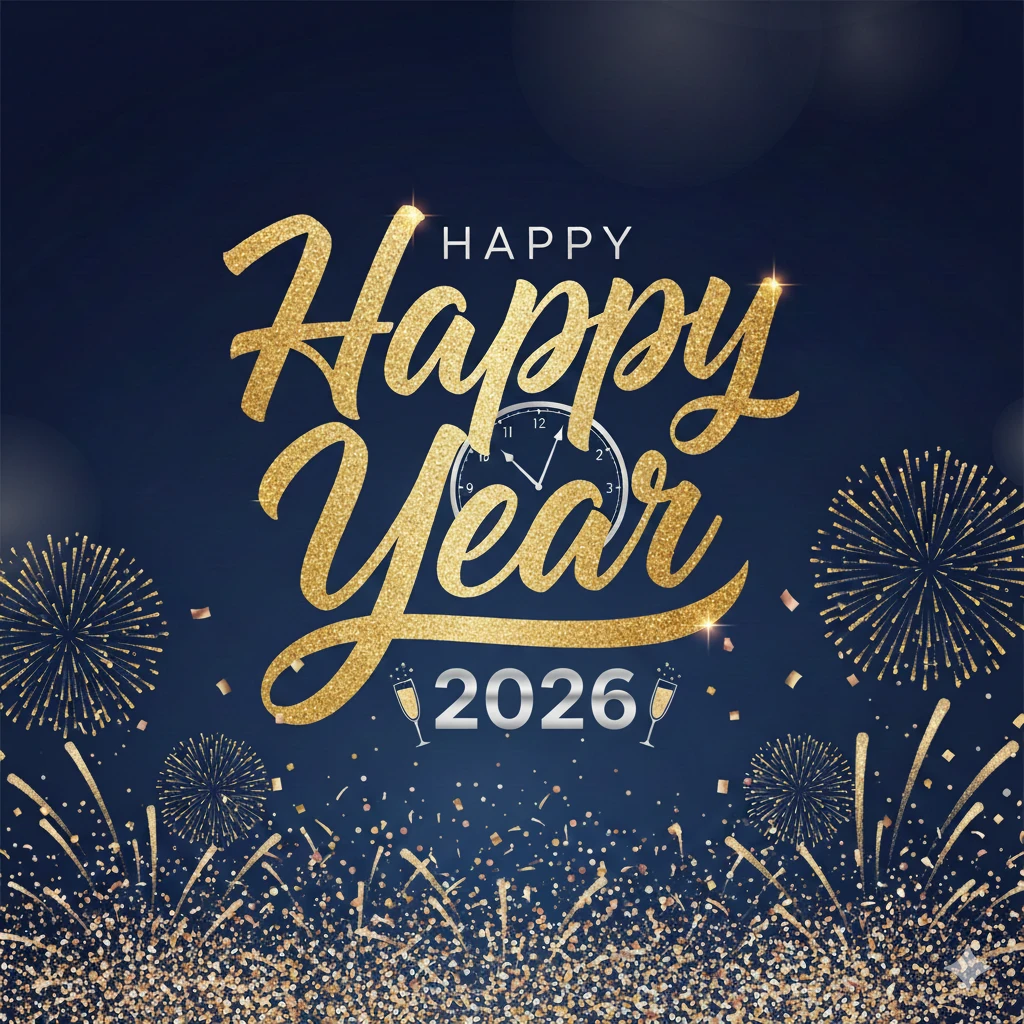
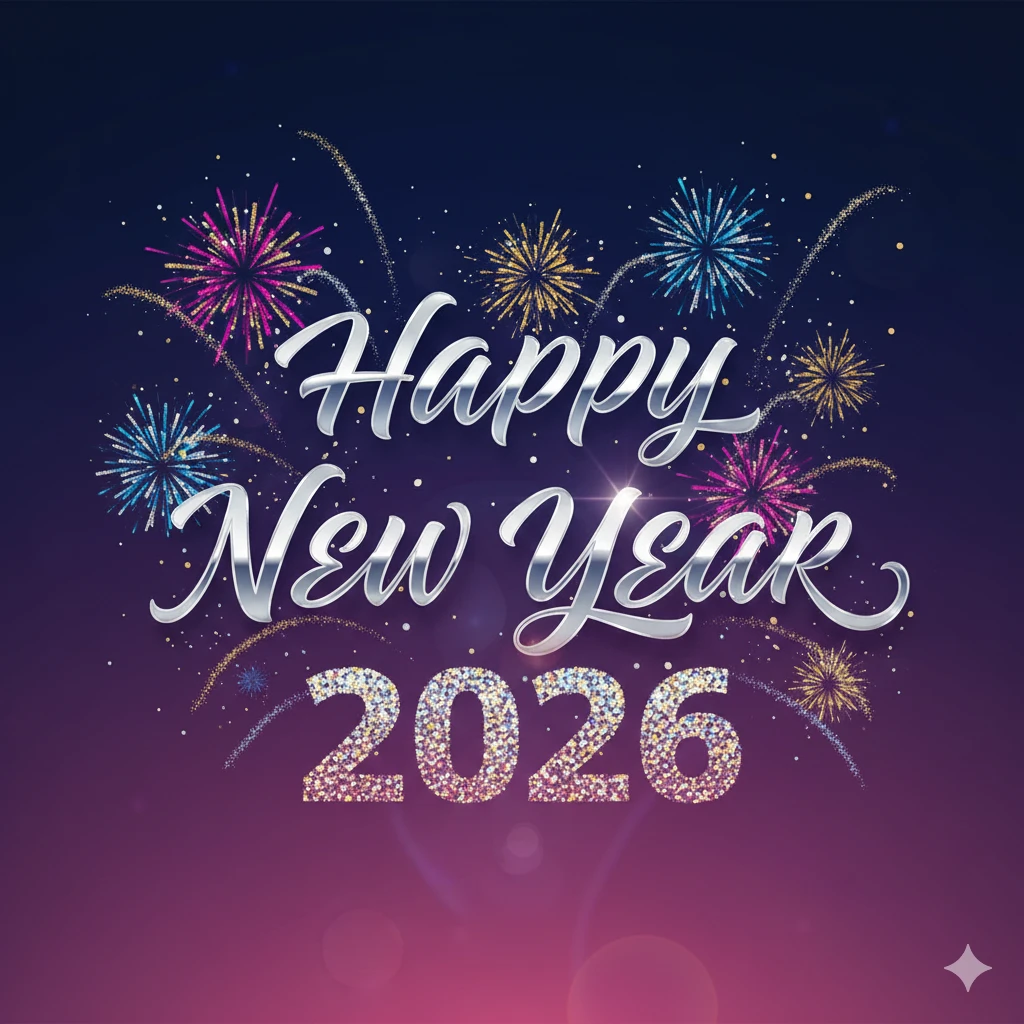
Gallery of User-Created New Year Images
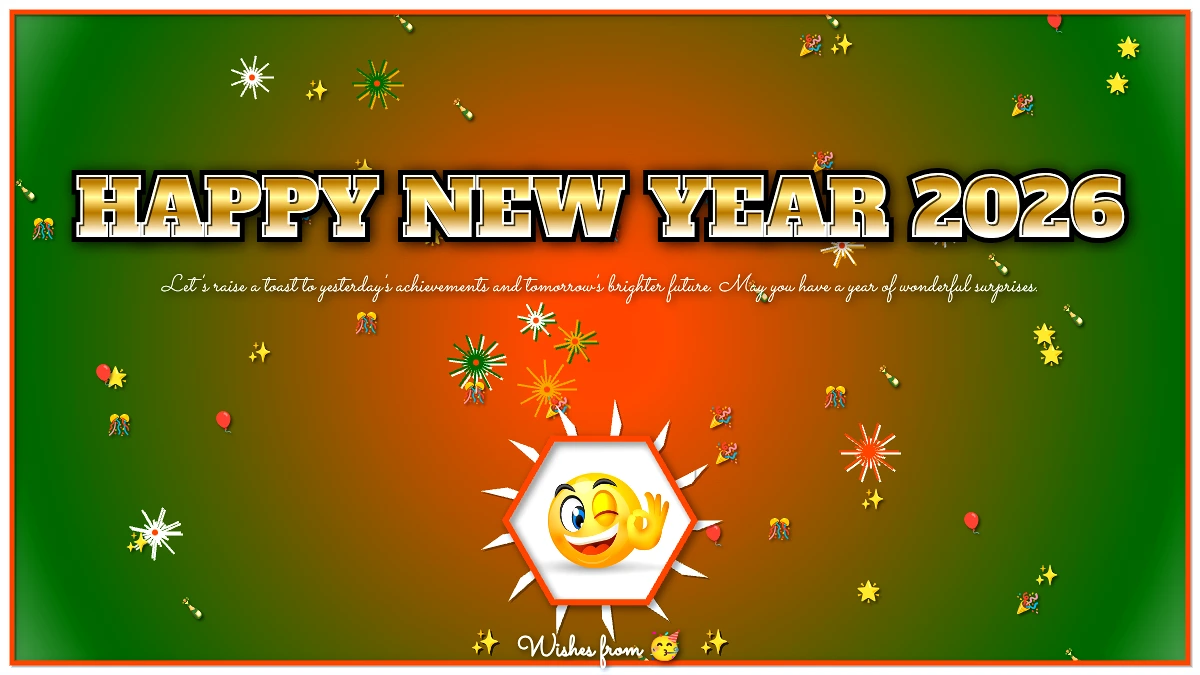
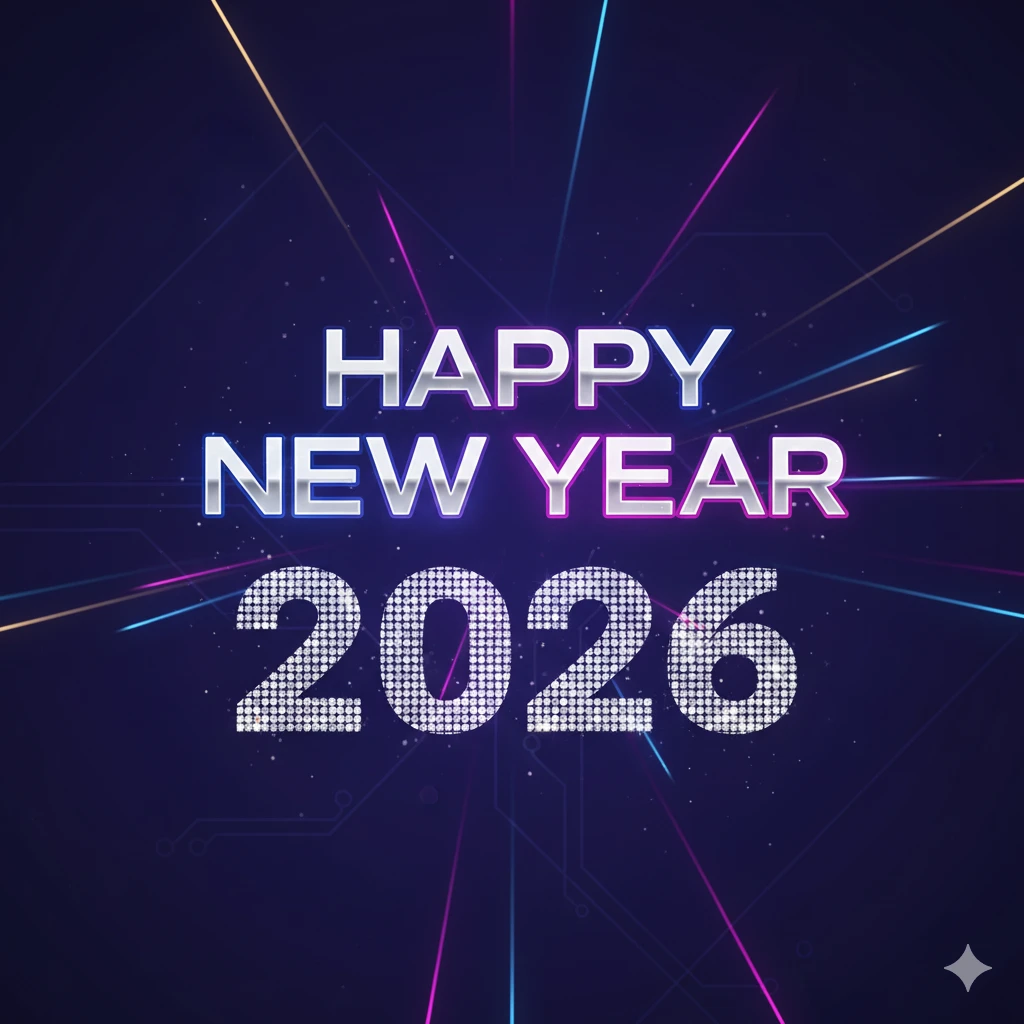
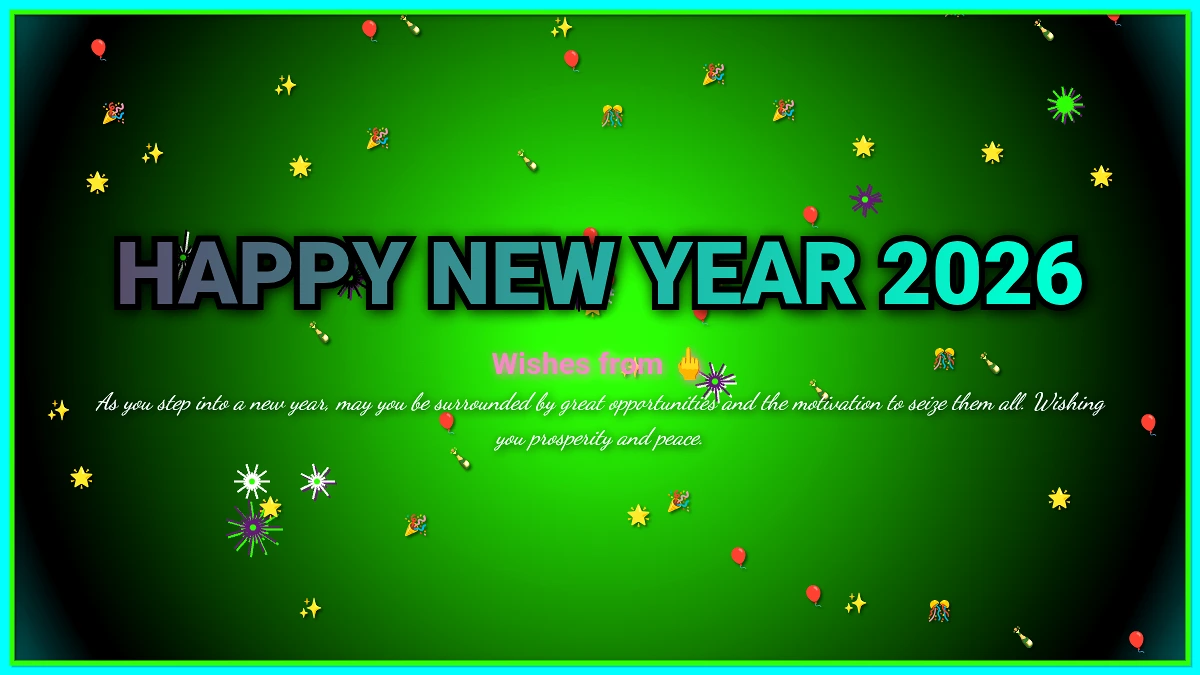
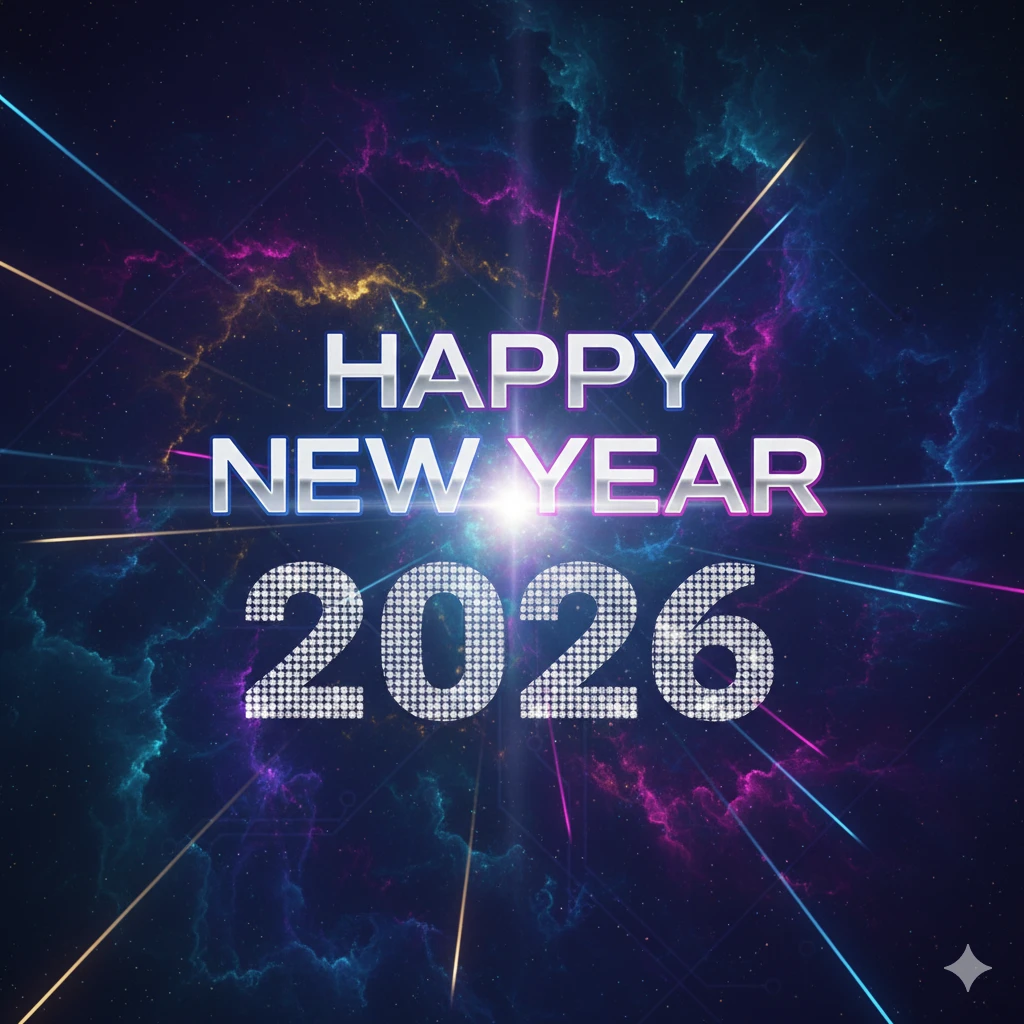
Frequently Asked Questions (FAQ)
What is the best resolution for a New Year social media post?
For the best visibility and quality across all platforms, the recommended resolution is 1080 pixels wide.
Instagram/Facebook Feed: 1080px by 1350px (4:5 ratio).
Instagram/Facebook Story/Reel: 1080px by 1920px (9:16 ratio).
General Square Post: 1080px by 1080px (1:1 ratio).
How can I ensure my New Year image is 100% copyright-free?
The most reliable method is to create the image yourself from scratch using tools like Pixellab, Photopea, or Photoshop, or by generating it using an AI Image Generator (Method 3). If you use stock templates or photos, ensure the license explicitly states “free for commercial and personal use with no attribution required.”
Which app is best for adding Bengali typography to my picture?
Canva and Pixellab are highly recommended. Canva supports a wide range of global fonts and often has robust Bengali font libraries integrated into its web and mobile apps. Pixellab gives you unparalleled control over the text layers, including strokes and shadows, which is excellent for making Bengali script pop.
I want to use my photo, but the background is distracting. What should I do?
Use Snapseed or the photo editing features in PicsArt. You can use Snapseed’s lens blur tool to add a sophisticated, dark bokeh effect to the background while keeping the foreground (your photo) sharp. Alternatively, use a tool like PicsArt to professionally “cut out” your image and place it onto a new, festive background.
Is Photopea truly a free alternative to Photoshop?
Yes. Photopea.com is an incredibly powerful, browser-based editor that offers nearly all the core functionality of Adobe Photoshop, including support for layers, smart objects, and PSD file formats. It is the perfect free tool for implementing the advanced techniques described in Method 4.
Conclusion: Your Digital Masterpiece Awaits
Creating a memorable Happy New Year picture no longer requires a professional design degree. With the tools reviewed here—from the template-driven efficiency of Canva to the artistic freedom of AI Image Generators—you have everything you need to craft a truly unique and engaging greeting for 2026. Choose your preferred method, follow the steps, and design a greeting that perfectly encapsulates your best wishes for the year ahead. Happy designing!